 Arrow
Arrow 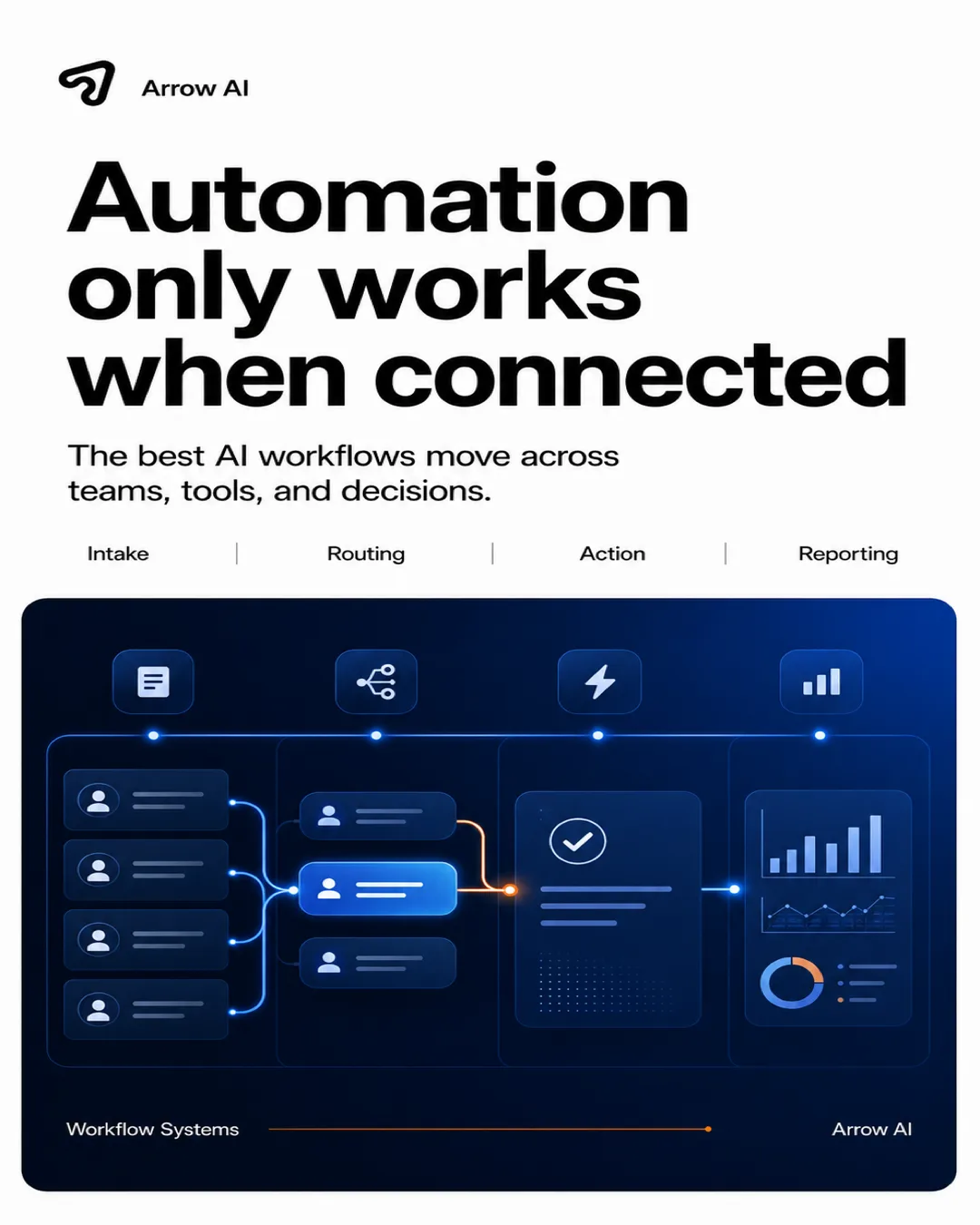
Automation creates value when AI is connected to real tools, data, approvals, and workflows instead of isolated prompts.
Disconnected automation creates more work
If an AI output still has to be copied into a CRM, rewritten for a customer, checked against a policy, and manually assigned to a teammate, the workflow is not really automated. It is just faster drafting.
Connected automation has a full path
A connected automation knows where the request came from, what source is approved, what action is allowed, where the result should go, and who owns exceptions. That is the difference between a clever prompt and an operating workflow.
The Arrow AI implementation model
Arrow AI connects automation to the existing stack: HubSpot, forms, calendars, email, Shopify, Slack, admin dashboards, content systems, and internal tools. The result is not an AI side project. It is a usable layer inside the business.
How to turn this into an Arrow AI system.
- Start with one repeated workflow.
- Define the source of truth and approval rule.
- Connect the output to CRM, inbox, admin, or calendar.
- Log every action so the team can trust the system.
- Use the audit to find the first workflow worth automating.
Use this article with Arrow AI GEO, custom AI systems, and the industry pages to connect visibility, workflows, and conversion. For a practical starting point, run the free Arrow AI audit.
Put it into practice
Reading is step one. The audit is step two.
See how AI engines describe your brand today — free, in two minutes.