 Arrow
Arrow 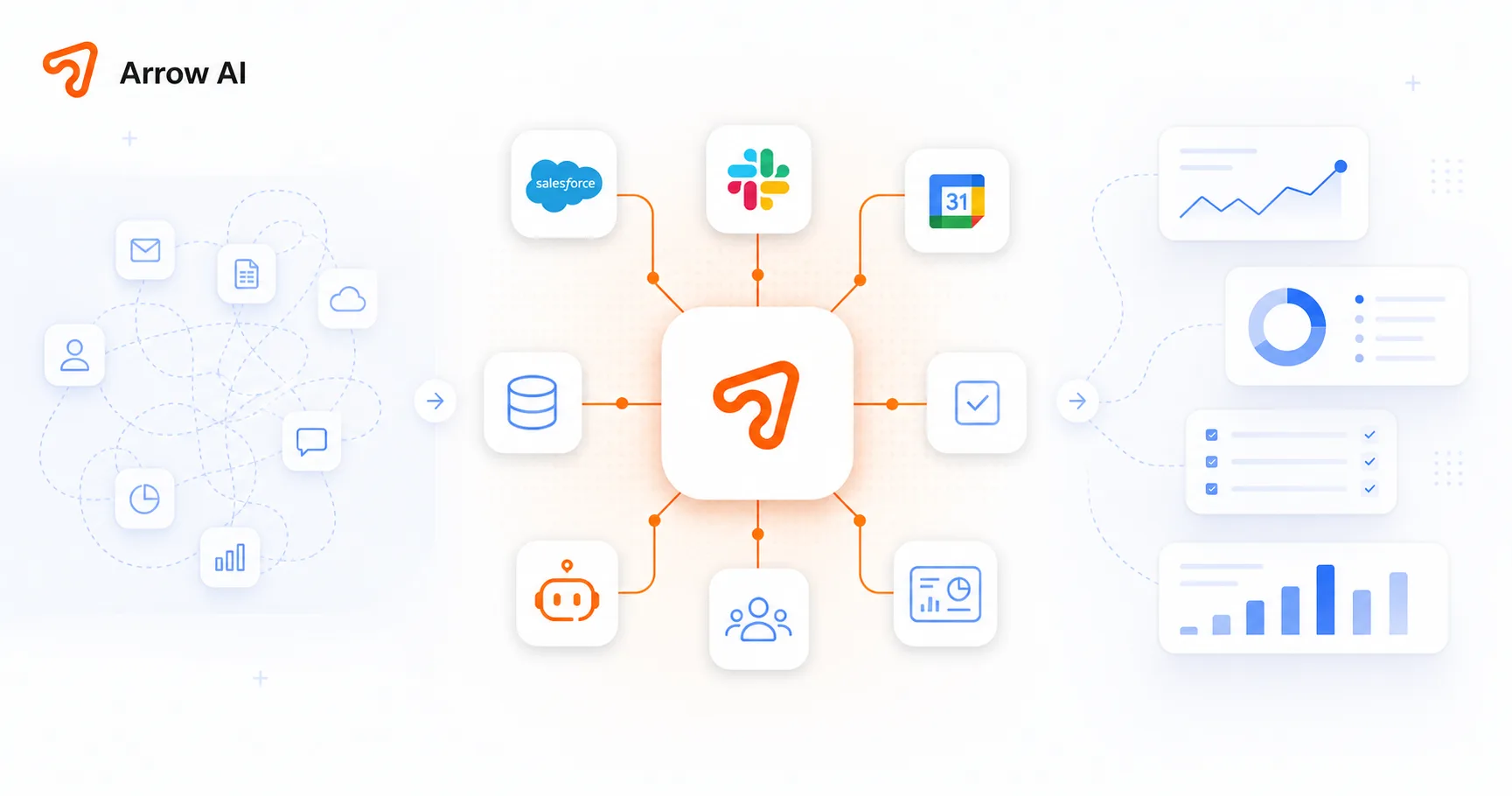
AI value appears when work moves, not when a prompt looks impressive.
A good prompt can draft an answer. A custom AI system can pull approved context, ask for missing data, route the request, create a CRM note, trigger a task, log the action, and show the team what changed.
That is the difference between using AI as a tool and installing AI as an operating layer.
Map the workflow before choosing the model.
Start with the business flow: intake, qualification, support, content approval, reporting, follow-up, or internal knowledge retrieval. Define what enters the system, what decisions must happen, who approves, and where the output needs to land.
The model matters, but it should serve the workflow. Without the workflow, every AI project becomes another isolated demo.
Separate public visibility from private operating context.
Public pages help AI engines and buyers understand your company. Private operating context helps the system execute safely. Keep them separate: publish service clarity, proof, FAQs, and case-study style explanations, while protecting private prompts, client records, pricing logic, and internal dashboards.
This is especially important for GEO. You can become more visible in AI answers without revealing confidential business information.
Build approval and visibility into the system.
AI workflows need review states, logs, permissions, and escalation paths. A system that acts without visibility becomes hard to trust. A system that shows what happened becomes easier for the team to adopt.
Arrow AI designs these layers around the team: admin dashboards, CRM records, email summaries, calendar routing, and human handoff when the decision requires judgment.
Connect AI to tools the business already uses.
Custom AI becomes practical when it connects to HubSpot, Slack, Notion, Airtable, Google Calendar, Stripe, Shopify, internal databases, or the company website. The system should reduce copy-paste, not create a separate place to manage work.
The best implementation feels like the company became easier to operate, not like the team adopted another dashboard.
What a custom AI ops layer usually includes.
Before building, answer these questions.
What workflow is slow or repetitive? What information does the system need? Which data is approved? Who validates outputs? Which tool should be updated? What should be logged? What should trigger a human handoff? How will success be measured?
Clear answers turn AI from a vague initiative into a buildable operating system.
Put it into practice
Reading is step one. The audit is step two.
See how AI engines describe your brand today — free, in two minutes.