 Arrow
Arrow 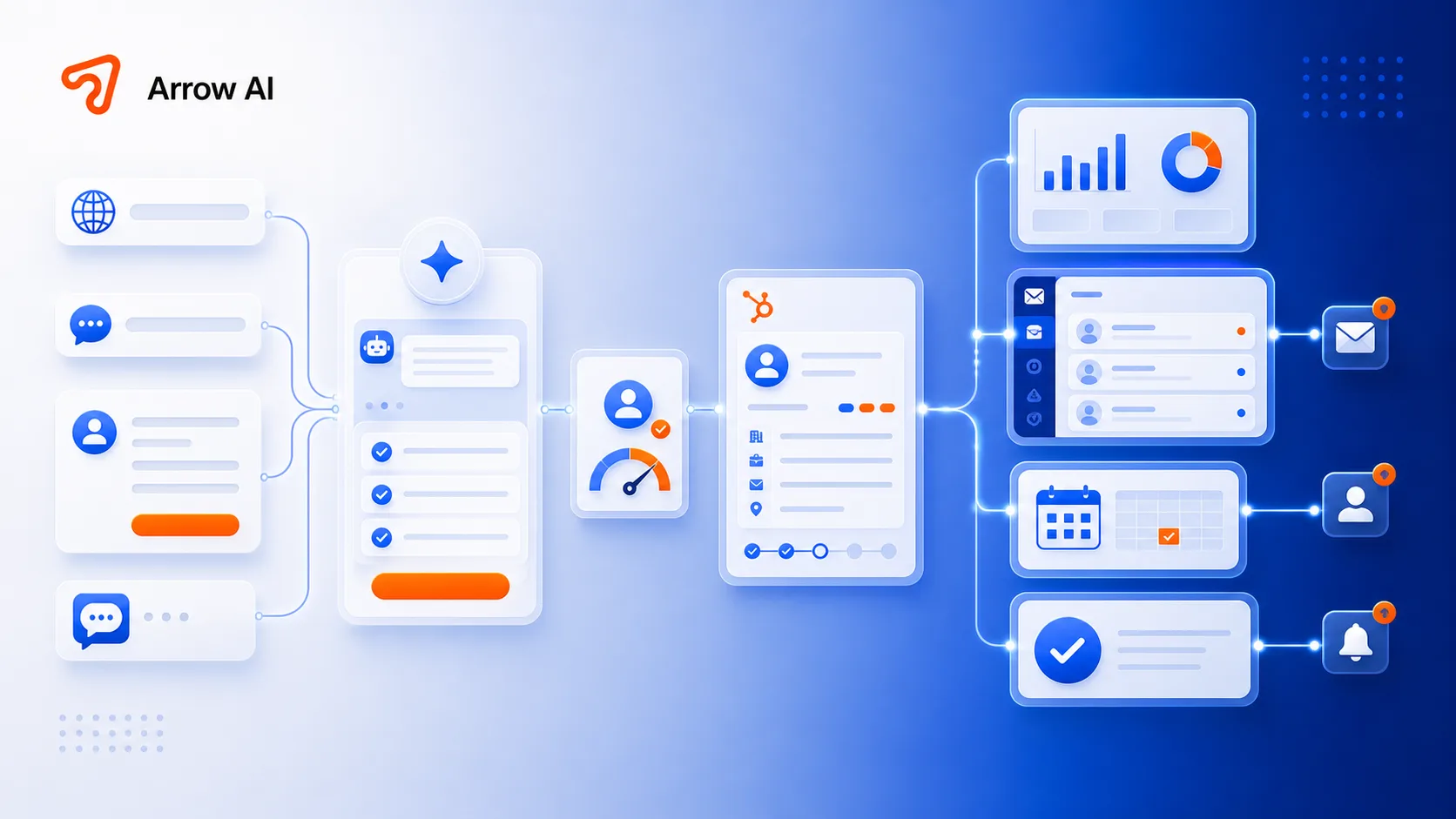
Most forms collect data but do not create workflow.
A form submission often lands in email, then someone manually copies context into a CRM, asks follow-up questions, schedules a call, and updates a spreadsheet. That delay loses intent and makes attribution messy.
An AI intake assistant asks better first questions.
The assistant can adapt the form based on service type, urgency, budget, location, timeline, current tools, and desired outcome. It creates a richer lead profile before the first human reply.
CRM sync should happen automatically.
The lead should appear in HubSpot with source page, qualification answers, summary, recommended next step, status, and owner. That gives the business a clean pipeline instead of disconnected inbox messages.
The admin dashboard is where the team keeps control.
Arrow AI builds an admin layer where submissions, lead status, notes, source pages, form answers, and follow-up actions are visible. The point is not just automation; it is operational clarity.
Calendar and email turn qualification into action.
Once the lead is qualified, the system can route to the right calendar, draft email follow-up, notify the right team member, and keep the lead record updated. This is how AI intake becomes a real revenue workflow.
What Arrow connects.
Put it into practice
Reading is step one. The audit is step two.
See how AI engines describe your brand today — free, in two minutes.