 Arrow
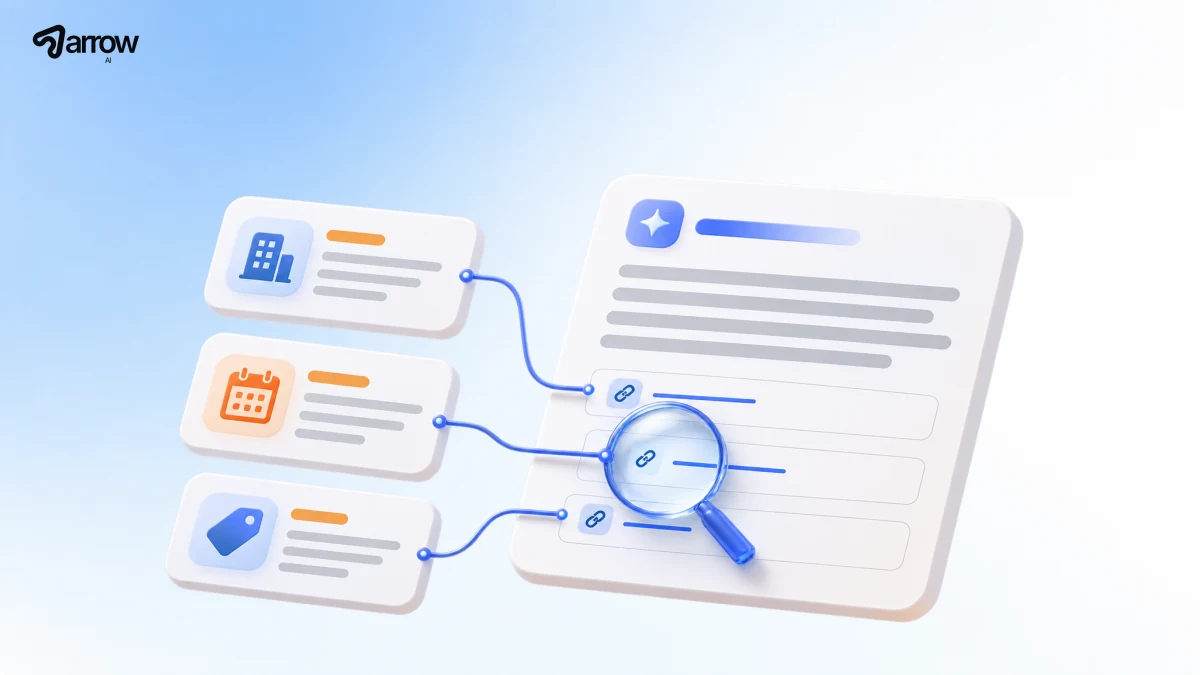
How should you use AI search?
Use AI search to narrow down a decision, then open the sources before you act. Google is a useful first stop when you need to find a specific page. ChatGPT Search is useful when you want to compare options and ask follow-up questions. If you run a website, Bing Webmaster Tools helps you see which of your pages are being cited and for which topics.
Give the engine a decision, two or three constraints, and a source requirement. For example: “Compare two backup options for a five-person team. Link to the official recovery documentation and flag any limits you can’t verify.”
How do you find the original source in Google?
Search for the task you actually need to complete. For a question like “How do I restore a deleted workspace file?”, an AI Overview can help you get oriented. Use a follow-up in AI Mode if the answer needs narrowing. Then open the official help page and check that its instructions apply to your account, plan and version.
In October, Google announced more visible links in AI Mode and AI Overviews and described a test that highlights relevant sites for queries that suggest a specific action. When a result has a source link, use it to check the detail that would change your decision. For file recovery, that could be whether the retention limit is 30 days and whether administrators have a longer window.
If you publish the source: put the exact limit, who it applies to and any exception together on one maintained page. Google’s guidance for site owners says a supporting page needs to be indexed and eligible for a Search snippet. Eligibility alone does not guarantee a citation.
How do you verify a ChatGPT Search citation?
Choose Search in ChatGPT’s tools if you need a web search, then ask for one official link per key claim. Open the citation beside the claim and find the exact sentence, table row or policy that supports it. OpenAI’s Search guide explains where to find sources in a response.
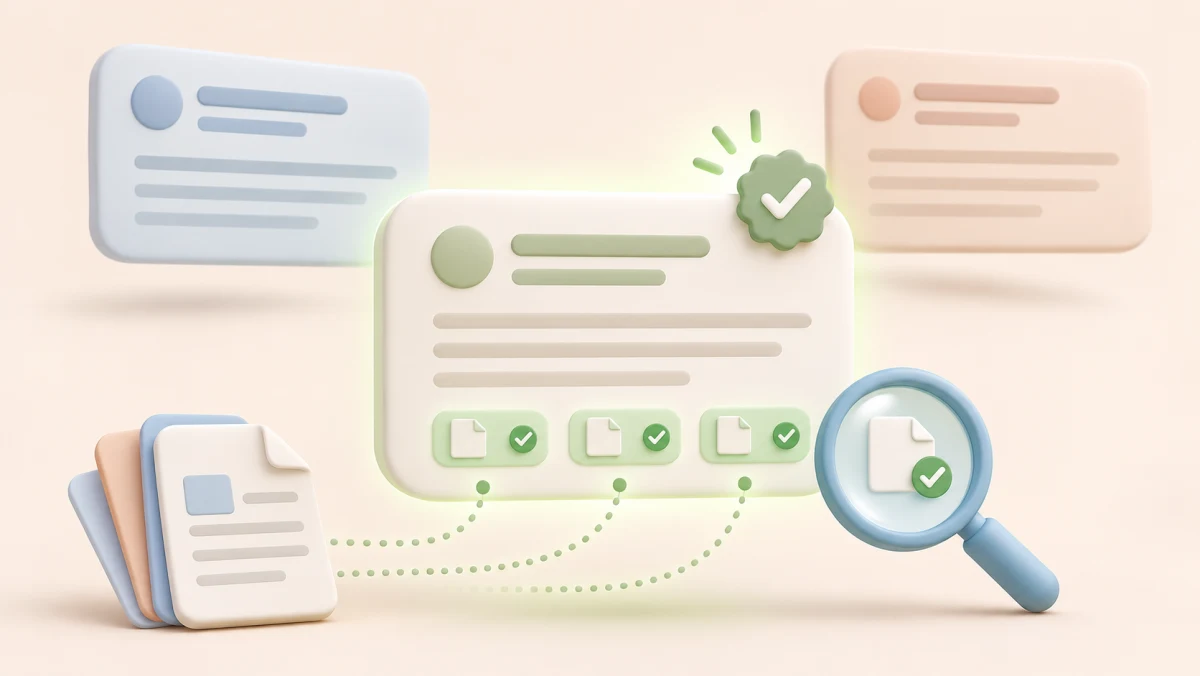
Suppose the answer says that a recovery feature is included in the basic plan. A link to the vendor’s home page confirms the vendor exists; it cannot tell you which plan includes recovery. Find the plan comparison or help article. If it still doesn’t say, mark the claim unverified and move on. Practice checking AI citations.
What can Bing tell you about your site’s citations?
In October, Bing introduced Topics Portfolio in beta. If your site has enough data, you’ll find it under AI Performance in Bing Webmaster Tools. It groups related queries the engine uses to find sources, so you can see themes across individual citations.

Say your release note gets cited for backup recovery, but it never tells readers how to start a restore. Check whether you already have a maintained guide with the steps. If so, link to it from the release note. If not, document the steps and permissions on the existing help page. Save the date of the edit so you can compare later observations.
Can you check one answer in ten minutes?
- Pick one decision. Use a real question, such as “Which backup plan meets a 30-day recovery requirement?”
- Run it in two places. Use the same wording in Google and ChatGPT Search. Save the date and the surface you used.
- Open the links. Record the claim, exact source URL and whether the page supports it.
- Pick one follow-up. Verify a missing detail with the provider, or improve the page that should answer it if it’s yours.
Tracking your own brand? Record mentions, linked citations and referral visits separately. They answer three different questions: whether you were named, whether your page was offered as evidence, and whether anyone visited.
Common questions
Do you need special markup for Google AI Overviews?
Google says no special markup is required for its AI features. A supporting page needs to be indexed and eligible to appear with a snippet.
How can you tell whether an AI answer uses your page correctly?
Open the cited URL and compare the answer with the specific passage it relies on. Check the date, scope and conditions, then record the exact query and source.