 Arrow
Arrow 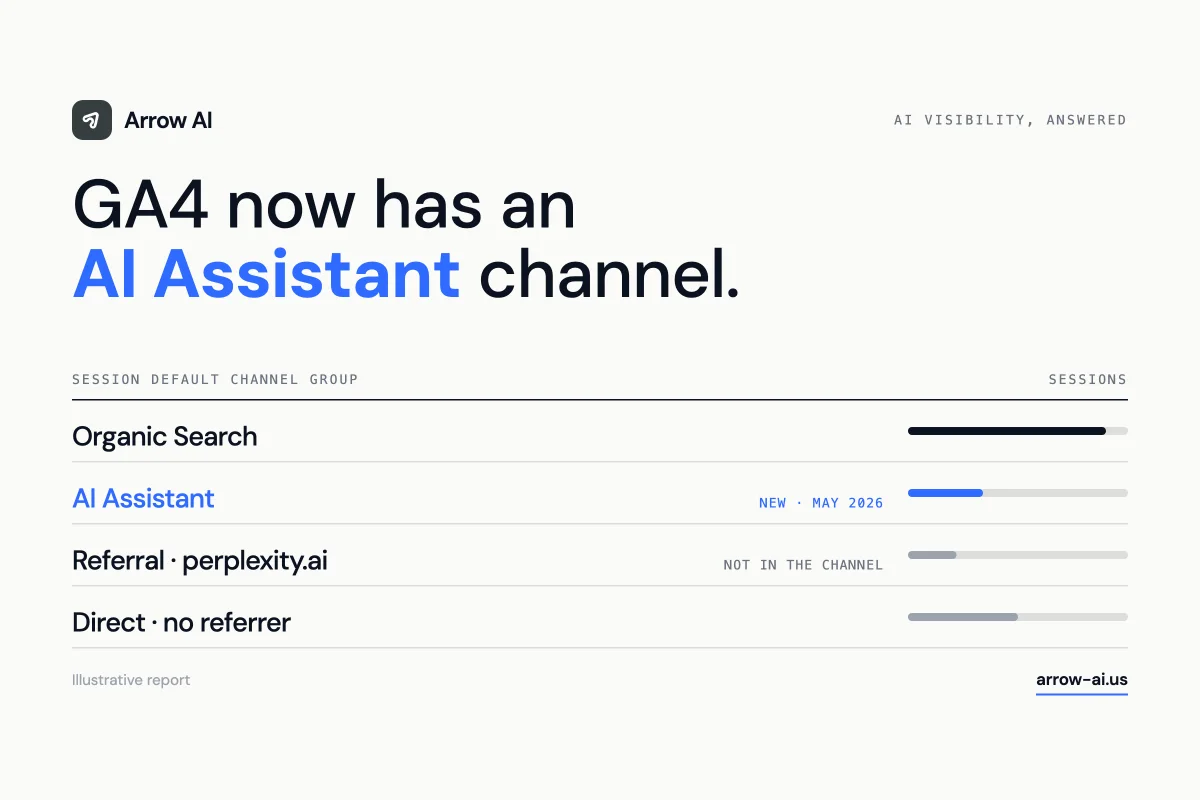
Open Reports → Acquisition → Traffic acquisition, keep “Session default channel group” and look for AI Assistant; add “Session source” to see chatgpt.com, gemini.google.com or claude.ai. Then build a custom channel group that also matches perplexity.ai and other assistants, because Google’s list is not public and custom groups apply to historical data. Treat the result as a minimum: visits without a referrer are counted as Direct.
Where do you find AI traffic in GA4?
In the Traffic acquisition report, under the new AI Assistant channel. Google added the channel to GA4’s default channel group in mid-May 2026; Search Engine Journal documented the change. Sessions whose referrer matches a recognised assistant receive the medium ai-assistant.
- Go to Reports → Acquisition → Traffic acquisition.
- Keep the primary dimension Session default channel group and find AI Assistant.
- Add the secondary dimension Session source to see which assistants send visits.
- Add your key events (form submissions, bookings) as columns to see what the traffic does.
ChatGPT also helps: OpenAI says the links it cites in search results carry utm_source=chatgpt.com, so those visits are identifiable even when a referrer is missing (OpenAI publisher FAQ).
What does the AI Assistant channel miss?
Three things: assistants Google does not recognise, sessions without a referrer, and anything before the change.
| Visit | How it arrives | Where it usually lands |
|---|---|---|
| ChatGPT, Gemini, Claude | Referrer from the assistant; ChatGPT adds utm_source=chatgpt.com | AI Assistant (named examples) |
| Perplexity and other assistants | Referrer such as perplexity.ai | Check your property — often still Referral |
| Apps, copied links, some in-app browsers | No referrer | Direct |
| Sessions before mid-May 2026 | Any | Their original channel; not reprocessed |
Google names ChatGPT, Gemini and Claude as examples but has not published a complete list, so verify with your own Session source values rather than assuming.
How do you build a complete AI channel?
Create a custom channel group — it covers every assistant you choose and applies to historical data. Google’s help on custom channel groups explains that they can be used retroactively in reports, unlike changes to the default group.
- Go to Admin → Data display → Channel groups → Create new channel group.
- Add a channel named AI assistants (all) with two conditions joined by OR: Session medium exactly matches
ai-assistant, or Session source matches regex the pattern below. - Move it above Referral so those sessions are not captured by the Referral rule first.
- Save, then select the group in Traffic acquisition.
^(chatgpt\.com|chat\.openai\.com|(www\.)?perplexity\.ai|gemini\.google\.com|claude\.ai|copilot\.microsoft\.com|chat\.deepseek\.com|grok\.com)$Adjust the list to the sources you actually see. A regex that is too broad (for example matching every domain containing “ai”) will quietly misclassify ordinary referrals.
How do you measure what AI traffic is worth?
Compare outcomes, not session counts. AI referrals are usually small but often arrive later in the decision. Look at key-event rate, lead quality and revenue per session for the AI channel against organic search, then connect leads to your CRM — our AI visibility attribution stack shows how.
Traffic is only one side. Visibility happens before the click: Search Console’s generative AI performance report shows impressions in AI Overviews and AI Mode, and Bing Webmaster Tools reports citations in Copilot. Read them together with GA4.
Which mistakes distort the numbers?
- Counting AI traffic as a total. Missing referrers and consent choices mean the channel is a floor. On arrow-ai.us we record AI referrals only after analytics consent, and read the figures as a minimum.
- Ignoring “Unassigned”. Tagged links with a source but no medium can fall outside default rules; check that bucket after any change.
- Comparing before and after mid-May 2026 in the default report. Use the custom group for trends, since it reclassifies history consistently.
Sources and editorial scope
Steps reflect the GA4 interface and Google’s documentation as of September 2026. Google has not published the full list of assistants recognised by the AI Assistant channel; the regex is a starting point to adapt to your own data.
- Search Engine Journal — Google Analytics adds AI Assistant as a default channel group
- Google Analytics Help — [GA4] Default channel group
- Google Analytics Help — Custom channel groups
- OpenAI Help Center — Publishers and Developers FAQ
- Search Console Help — Generative AI performance report (Search)
- Bing Webmaster Blog — AI Performance in Bing Webmaster Tools (public preview, February 2026)
The Arrow read
Measure the click, and what came before it.
GA4 shows the visits AI sends you. It cannot show the answers where you were described wrongly or not at all. Pair it with citation tracking and the new Search Console report — or let our free audit set up the baseline.