 Arrow
Arrow 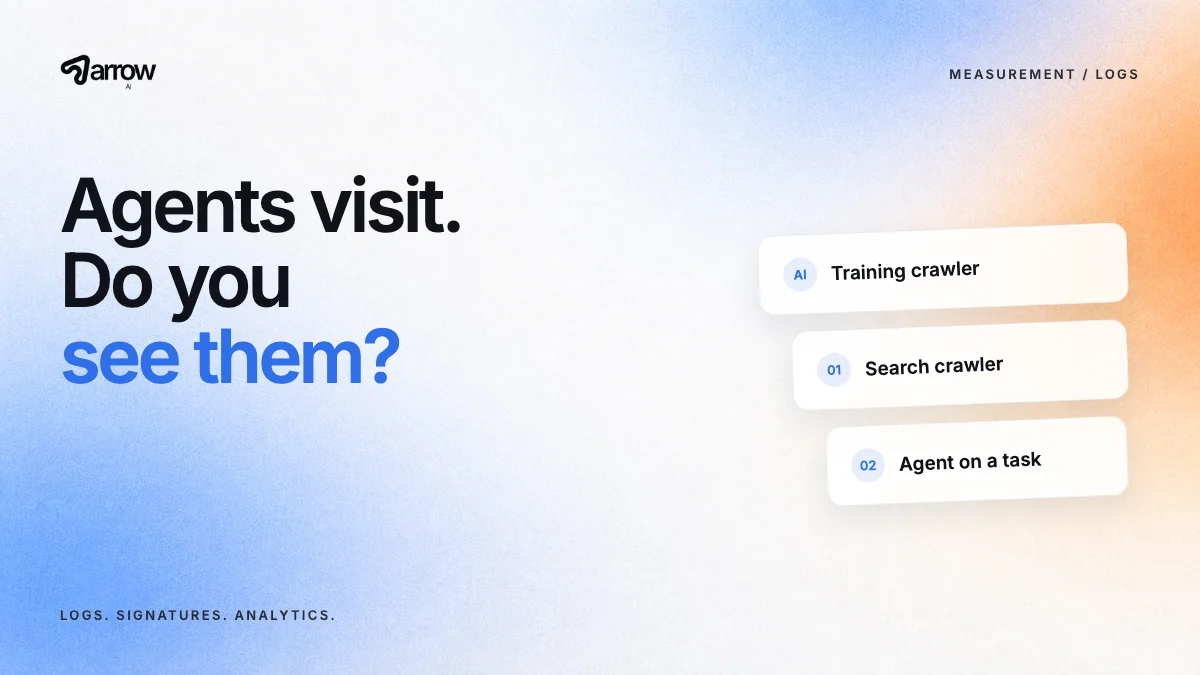
Separate training crawlers, search crawlers and agents acting for a person. Use server logs, verify signed requests such as ChatGPT agent's, and treat GA4 as a floor because many agent visits never run analytics.
Can you see when AI agents visit your website?
Partly. Some AI systems identify themselves with a user agent string or signed requests, and they appear in your server or CDN logs. Others act through the person's own browser and look like an ordinary visit. Analytics tools such as GA4 miss many automated visits because they rely on a script that some agents do not run. Combine logs, verification and referral data to get a realistic picture.
Which kinds of AI traffic should you separate?
Three kinds behave differently and answer different questions.
| Traffic type | Purpose | Example | Where you see it |
|---|---|---|---|
| Training crawler | Collects content for model training | GPTBot | Server logs |
| Search crawler | Indexes pages for AI search answers | OAI-SearchBot | Server logs |
| Agent or user fetch | Visits a page for a specific person's task | ChatGPT agent, ChatGPT-User | Server logs, sometimes analytics |
OpenAI lists its crawlers and their purposes in its bot documentation. Other providers publish similar lists. Treat a training crawl and an agent visit as separate signals: one says your content was collected, the other says a person's task touched your page.
How do you verify real agent traffic?
User agent strings can be faked. Some providers now sign their requests. OpenAI states that ChatGPT agent signs its requests using HTTP Message Signatures (RFC 9421), with a Signature-Agent header pointing to chatgpt.com and public keys published for verification. Several CDNs and bot-management tools can verify these signatures for you.
If you allow or block agents at the CDN level, use verified identity rather than the user agent string alone.
What can server logs tell you?
Logs show which pages AI systems request, how often and with what result. Filter by known AI user agents and look at three things: which pages are fetched, whether they return errors or redirects, and whether your key decision pages, such as pricing and contact, are reached at all.
A pricing page that never appears in agent requests may be poorly linked. A contact page returning errors to a known agent is a direct fix.
What can GA4 and analytics tell you?
Analytics shows human visits that arrive from AI assistants through a link, often with referrers such as chatgpt.com or perplexity.ai. Arrow's guide to an AI assistant channel in GA4 shows how to group them. Many agent sessions will not appear, and a buyer who discovered you in an assistant may arrive later by typing your name. Treat analytics as a floor, not a total.
How do you connect traffic to outcomes?
Add a "How did you hear about us?" field with AI assistants as an option, and note when a lead mentions an AI tool. Track form submissions that arrive shortly after agent visits to the same page where your logs allow it. Use prompt tracking to monitor what assistants say about you in parallel.
None of these alone proves causation. Together they show whether agent activity is growing and which pages it relies on.
Sources and editorial scope
Reviewed October 1, 2026. Platform-specific statements link to the documentation beside the claim. The workflows and examples are Arrow AI editorial guidance. Agent features change quickly and vary by plan and country; check the linked documentation before acting. Fictional scenarios illustrate a method; they are not customer results, measured demand or evidence of ranking gains.
Part of Agent-Ready Business. Explore Arrow GEO or request a free audit to see which facts an AI agent can already find about your business.