 Arrow
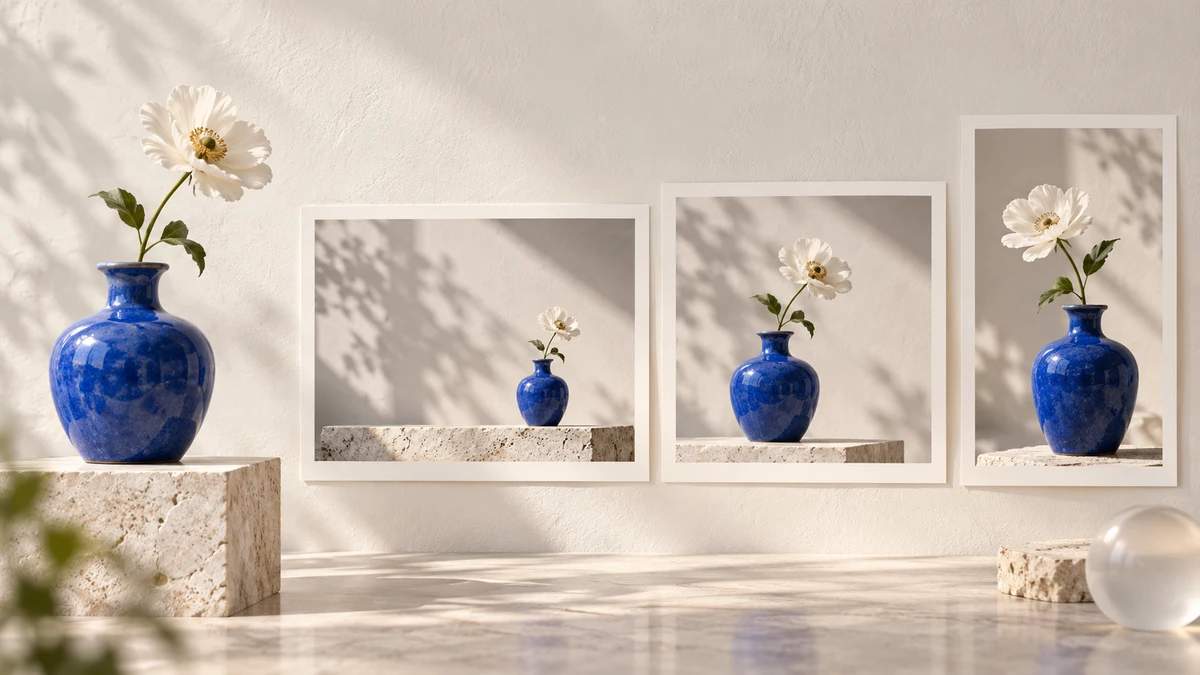
Choose an AI image generator for your creative workflow. Compare ChatGPT Images, Gemini Nano Banana and Adobe Firefly with one brief, edit and export checklist.
Which AI image generator should you try?
ChatGPT Images, Gemini's Nano Banana and Adobe Firefly are useful candidates to evaluate for different creative workflows. The best choice depends on your subject, the edits you need and where the finished image must go. This is a November planning shortlist reviewed October 26, 2026, not a measured quality ranking or a report of November launches.
Start with an output you can describe: a product composition, a social graphic, an illustrated article cover or a set of matching scenes. Then test the complete journey from brief to edit to export. A tool that produces an appealing first image may still require significant work before the result fits a page or campaign.
Three image tools and what to inspect
OpenAI introduced ChatGPT Images 2.5 on September 8, describing improvements in reference fidelity, focused edits and consistency across edits. Those are provider claims worth testing against your brief, not results measured by Arrow. Try it when a conversational sequence of generation and revision fits your process.
Gemini's image-generation page describes image creation and editing with Nano Banana and access differences for its newer model through Google AI plans. Try it when you want to explore image changes within the Gemini environment. Confirm the selected model and available limits in your account rather than assuming that every example uses the free experience.
Adobe's Firefly image-generation page describes text-to-image creation, reference-led variation and editing controls, with multiple model options in its creative environment. Try it when the transition from generation to an editing workflow matters. When a platform offers partner models, record which model produced the image; the application name alone is an incomplete test label.
Use one brief across the shortlist
| Part of the brief | Example instruction | Why it matters |
|---|---|---|
| Subject | One blue ceramic vase with one white flower | Makes unwanted subject changes easy to detect |
| Setting | Off-white studio table with soft side light | Gives the image a defined environment |
| Composition | Subject on the right; clear space on the left | Tests whether a headline could fit later |
| Format | Wide article image, then square and portrait variants | Checks the actual publishing need |
| Edit | Change only the background to pale blue | Reveals whether the subject survives revision |
This vase brief is an illustrative test recipe, not a comparison already run across those three products. The editorial cover on this page was generated for Arrow AI; it is not a side-by-side sample of their respective outputs. Use your own permitted reference material when the task depends on a real product or visual identity.
Judge the edit, not just the first image
Keep the first output and the revised output next to the brief. Look for changes you did not request: a different object shape, a missing detail, a shifted lighting direction or new text. Decide whether each change is acceptable before asking for another variation. Otherwise, a long series of revisions can drift away from the original task.
Inspect the exported file at the size where it will be used. Text that looks convincing in a small preview may be wrong when enlarged. A composition that works as a wide banner may crop poorly in a square. Check edges and empty space before placing the image in a layout. These are production checks you can apply to any image generator.
If you need exact typography, keep the wording in your layout tool when that gives you more control. A generated image can provide a scene or visual idea while the publishing layout handles precise headings, labels and accessibility. You do not need to force every part of a finished design into a single generated bitmap.
Free access, subscriptions and practical cost
A free entry point is useful for learning, but it is not a promise of unlimited work. Check current limits, export options and access to the selected model before committing to a production schedule. This guide deliberately does not turn changing free quotas into permanent comparison numbers.
For a repeated project, note the number of attempts needed to reach an acceptable image and the time spent editing or reformatting. A low subscription price is only one part of the process. A cheaper first generation can be less useful if every final image needs substantial manual correction. This is a way to evaluate your workflow, not a claim that any named tool is more expensive in practice.
Publish images people can actually find and understand
Write a descriptive filename, useful alt text and a caption that explains what the image shows. Place the image near the relevant explanation. Google's image guidance recommends discoverable HTML images and contextual landing pages. These practices support discovery; they do not guarantee a Google Images position.
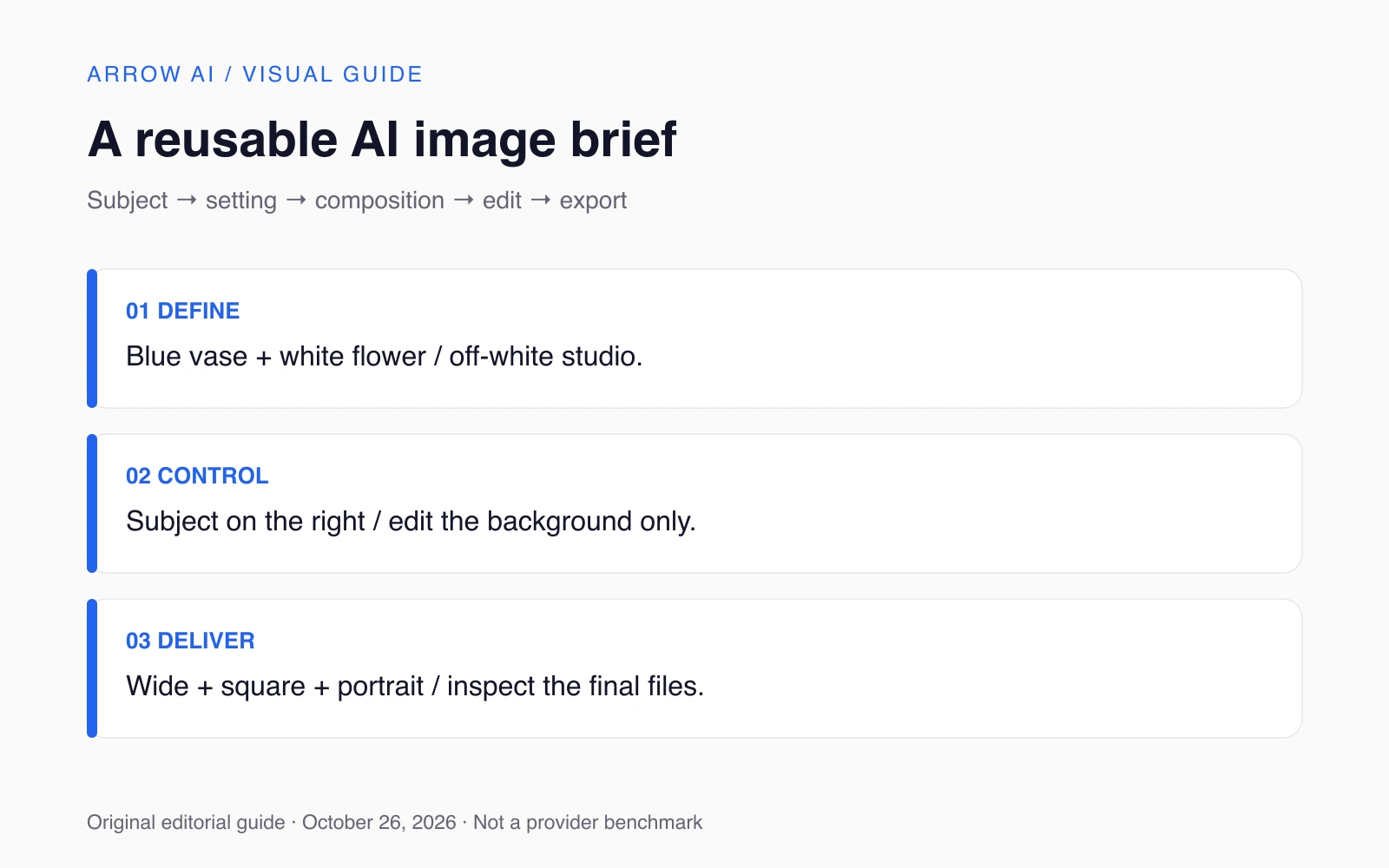
The prompt recipe diagram below is available as a full-size image for reference. Its instructions are also expressed in the surrounding text. For a repeatable brand workflow, explore Arrow AI Studio. To connect visual assets with useful public source pages, explore Arrow GEO and the free audit.
Sources and editorial scope
Reviewed October 26, 2026. November 2026 planning edition, prepared before the month begins. Confirmed announcements retain their actual dates and access conditions. Provider claims are attributed; comparisons and workflow suggestions are Arrow AI editorial guidance, not hands-on benchmark results or guaranteed rankings. No future release is presented as an event that has already happened.
- OpenAI introduced ChatGPT Images 2.5 on September 8
- Gemini's image-generation page
- Adobe's Firefly image-generation page
- Google's image guidance
Part of AI News — November 2026. Explore Arrow GEO or request a free audit to identify the next public-information gap.