 Arrow

Compare ChatGPT, Claude and Gemini for writing, research, documents and creative work. Use a fair task-based comparison instead of an unsupported winner.
ChatGPT, Claude or Gemini: which should you choose?
Choose the assistant that helps you finish your actual task with an acceptable amount of checking. For a student, that might mean explaining a difficult concept without losing the source. For a creator, it might mean turning an idea into a draft and a visual. For a team, it might mean working with the files and applications already in use.
This comparison is a November planning guide reviewed October 26, 2026. It is not a laboratory benchmark, a hands-on ranking of every model or a prediction of next month's releases. Product plans and features can change. The comparison below combines a limited snapshot of official product pages with an original task-based selection method.
What the official product pages establish
ChatGPT's plan page lists text chat alongside access to image creation, uploads and research, with access and limits depending on the plan. That makes it a candidate for people who want several kinds of work in one assistant. Check the specific feature you need rather than assuming that a free account and a paid account behave identically.
Claude's pricing page lists web search, file creation, code execution and Artifacts among its free-plan features, with additional capabilities and usage on paid plans. It is a candidate for document, writing and coding tasks. A product feature list establishes availability claims; it does not prove that one assistant writes better than another.
Gemini's subscription page lists a free tier with image generation and editing, Deep Research, Live and Canvas, alongside paid plans. Google's October 13 announcement describes Gemini 4 Argon access for AI Pro and Ultra. Check the model and plan you can actually select before comparing its results with a different service.
Compare tasks instead of brand names
| Your main task | What to give each assistant | What to check yourself |
|---|---|---|
| Understand a topic | The same question and source passage | Whether the explanation preserves the source meaning |
| Draft an email or article | Audience, facts, length and desired tone | Whether facts survive the rewrite and editing is manageable |
| Read a document | The same file and three specific questions | Whether answers point to the right passages and admit gaps |
| Create a visual | The same image brief and one edit | Subject consistency, text accuracy and usable export |
| Work across apps | A low-risk task with clear boundaries | Available connections, review steps and recoverability |
Do not score a tool on a feature you did not use. If all you need is a weekly draft, a complex application connection may have little value. If your work depends on a particular spreadsheet or document system, that connection can matter more than a polished opening paragraph.
Run a small, fair comparison
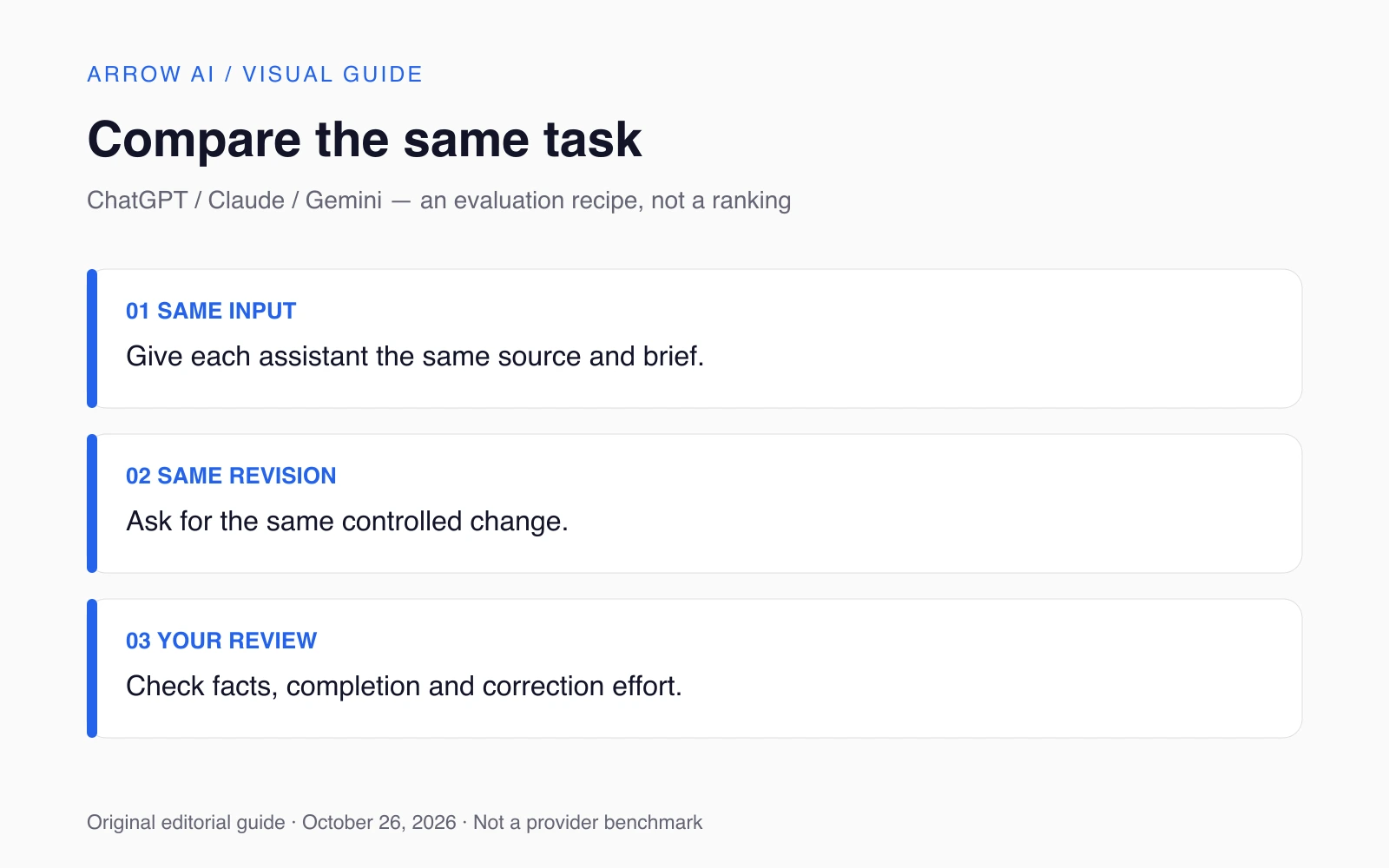
Choose a task you already understand well enough to judge. Save the original input. Ask each assistant for the same deliverable, including the same constraints and source material. Record the product, visible model if provided, plan and date. Account settings and available tools are part of the comparison, not background details to omit.
Review the first output, then request the same kind of revision. A useful second instruction might be to shorten a draft while preserving all dates, or change an image background while preserving the subject. The revision reveals whether the assistant maintains your constraints after the first response. Do not give one candidate extensive coaching and compare it with another candidate's first attempt.
Use simple outcomes: ready after a light edit, needs substantial revision, or unsuitable. Record the reason in plain words. There is no need to turn a small personal trial into an impressive-looking percentage. If the assistant answers confidently but incorrectly, that is a correction cost even when the prose sounds good.
What about free versus paid AI assistants?
Start with an available free tier when it can support the task and the material is appropriate to share. Upgrade when a specific limitation repeatedly prevents useful work, such as access to a needed feature or insufficient usage. Review the current provider page before subscribing; this guide does not freeze future prices or guarantee a particular quota.
For a team, also identify who administers accounts and which workspace should hold shared material. A consumer trial is not a complete evaluation of a business deployment. Compare the plan you expect to use, and verify the relevant provider terms directly for your situation rather than inferring them from a personal account.
Make a choice you can revisit
Keep one primary assistant for the task you repeat most often and a second option only when it serves a clear purpose. Revisit the choice when your work changes or a relevant product update becomes available. The November news edition separates confirmed announcements from things still to verify.
For visuals, continue with the image generator comparison. For multi-step execution, read the agents and skills explainer. Arrow AI's AI Systems focus on connecting work into a defined process; AI Studio focuses on repeatable creative production. The relevant starting point is the work, not a universal favorite model.
Sources and editorial scope
Reviewed October 26, 2026. November 2026 planning edition, prepared before the month begins. Confirmed announcements retain their actual dates and access conditions. Provider claims are attributed; comparisons and workflow suggestions are Arrow AI editorial guidance, not hands-on benchmark results or guaranteed rankings. No future release is presented as an event that has already happened.
Part of AI News — November 2026. Explore Arrow GEO or request a free audit to identify the next public-information gap.